
Paytm Bus: Transforming India's
Bus Travel App Experience
Introduction
The Journey's Starting Point
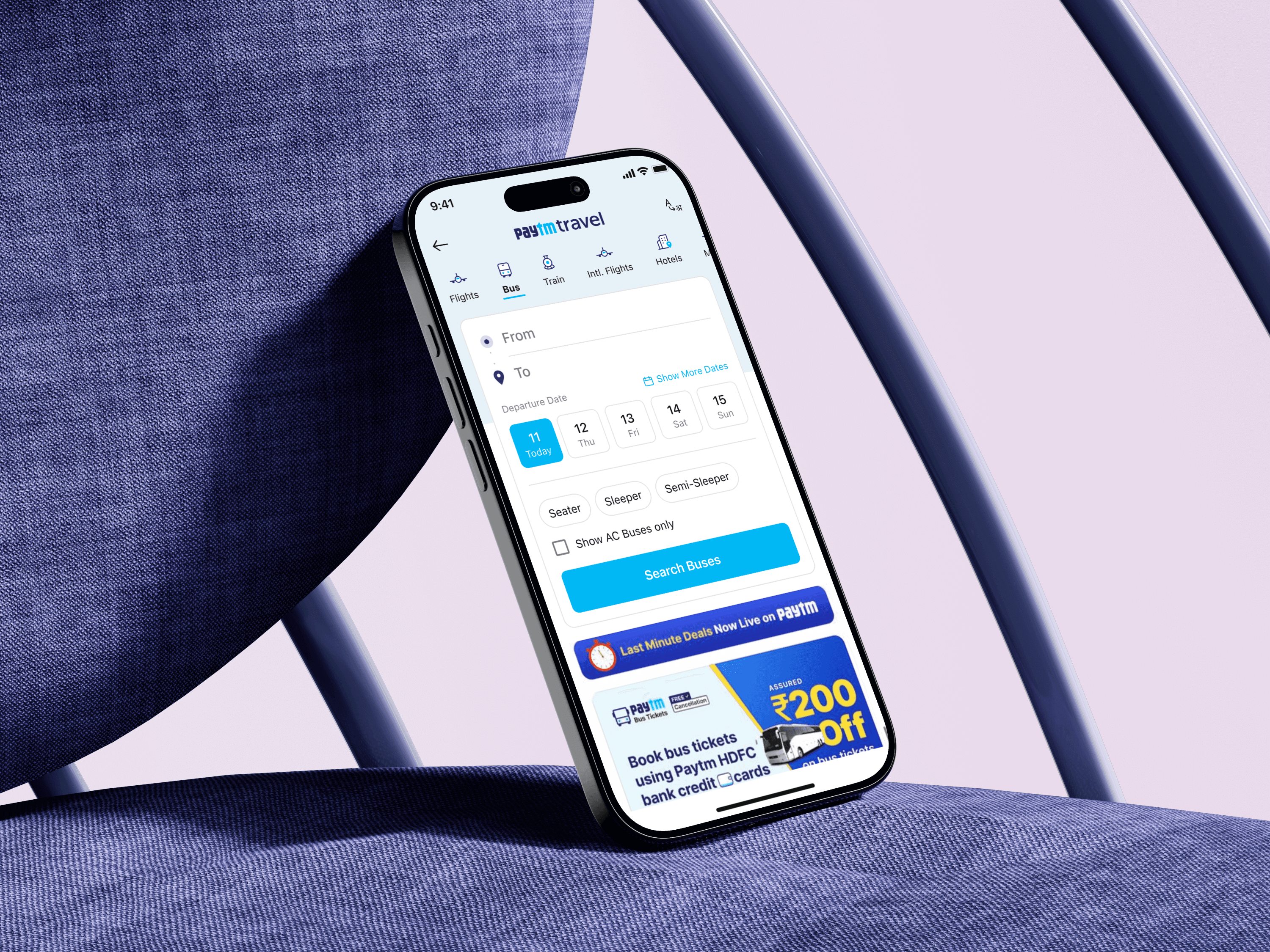
Bus travel is one of the most common modes of transport in India. People book buses for everything from college trips to family visits often at the last minute. Paytm already had a bus booking service but many users found it confusing slow and untrustworthy.
My role as a senior product designer was to make the bus booking experience simpler faster and more reliable while keeping it consistent with Paytm’s design language.
Platform: Paytm App (iOS & Android)
Timeline: 4 Months
The Problem
The Bumpy Road to Booking
Let's be honest the old design was a headache. Our data showed that a huge number of people would start booking a ticket only to give up halfway through. To understand why we talked to our users.
Their stories painted a clear picture of frustration:
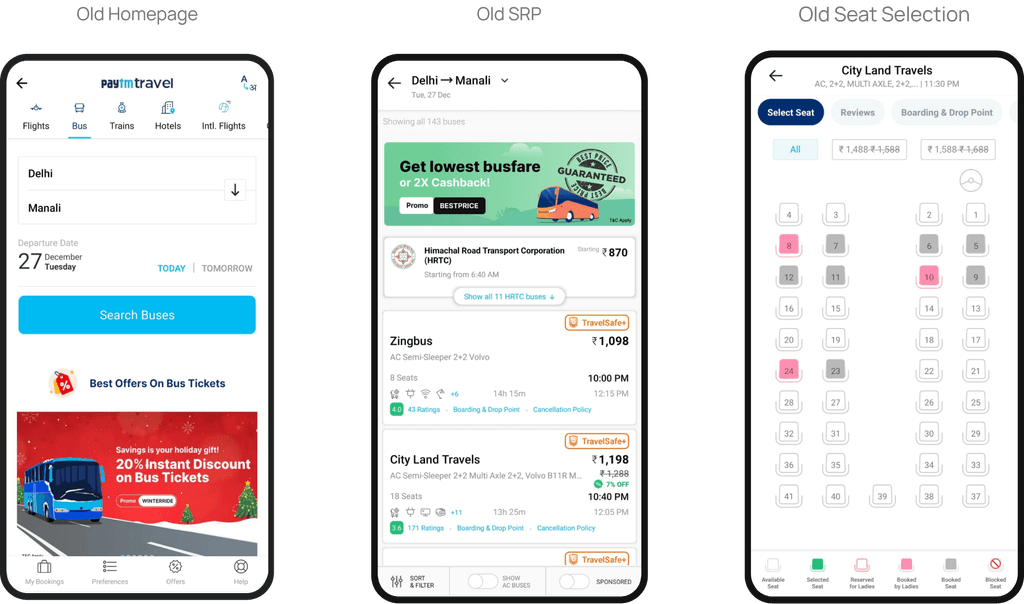
Homepage: On the old homepage users often get confused by the date selector. the date selector was very confusing. Users thought they could book a bus only for today and tomorrow due to the prominent Today and Tomorrow CTAs. There was no clear Open Calendar CTA upfront and the date field did not appear tappable. As a result users dropped off if they needed to book a bus for later dates.
Search results page: The search results page presented a wall of text that made bus comparison nearly impossible. Users struggled to identify key features like air conditioning or assess reliability due to the crowded visually distracting design and poor user experience.
The Seat: The seat selection screen displayed a confusing grid of numbers. To check seat prices users needed to first select a price filter from the top menu after which only seats within that price range became visible while others were hidden. This created a very back-and-forth interaction pattern that resulted in poor UX. Additionally there was no clear indication of which seats were reserved for female passengers.
A Question of Trust: People were worried is this bus operator any good? Will the bus even show up? There was no easy way to know if they were booking a clean, punctual, and safe bus.
The Waiting Game Anxiety: After booking the anxiety continued. On the day of travel, users had no idea where their bus was. This led to worried calls and a stressful start to their trip.
Our Design Principles
The Simple Rules We Followed
To fix this, we didn't just start moving pixels around. We went back to our core design principles, the foundation of how we build products at Paytm.
Clarity Over Clutter: Every screen must be easy to understand at a glance. We remove anything that doesn't help the user make a decision.
Build Trust at Every Step: A user's confidence is our most important currency. We must be transparent and provide reassurance whenever possible.
Design for Everyone: Our app is used by people of all ages and backgrounds. The design must be simple enough for a first-time smartphone user in a small town.
The Solution
A Smooth, Redesigned Path
Homepage
A Quicker Start to the Journey
The Old Way: On the old homepage, starting a bus search took more effort than it should have.
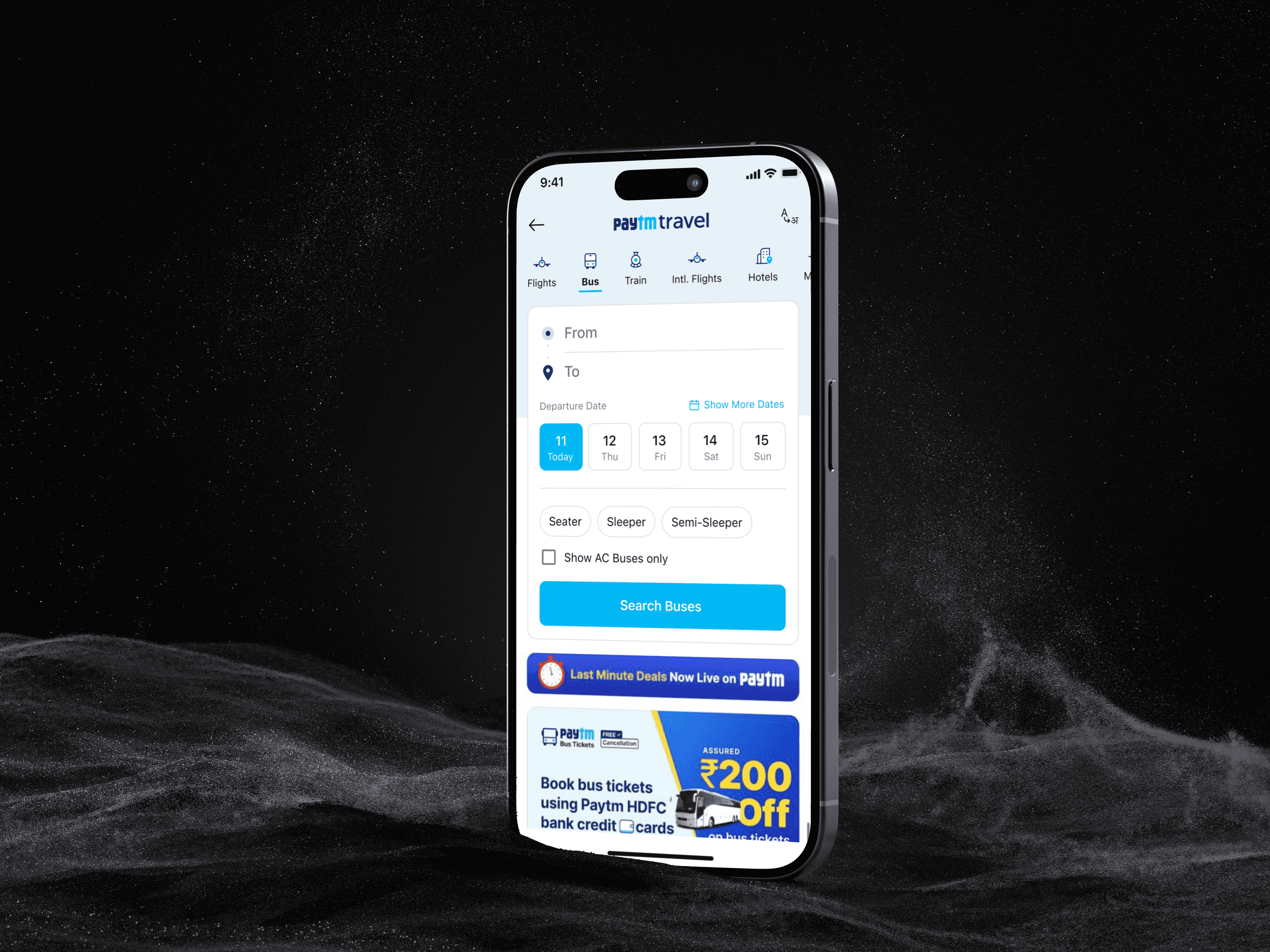
Clear Travel Icons: We gave the travel icons (like Buses, Flights, Trains) their own clean space at the top.
One-Click Dates: We looked at the data and learned that 85-90% of people book their bus tickets for travel within the next 5 days. So, instead of forcing them to open a calendar, we put buttons for the next 5 days right on the homepage.
Upfront Filters: We added the most common filters Seater, Sleeper and Semi-Sleeper—directly into the search area.
SRP
Finding a Bus: From Chaos to Clarity
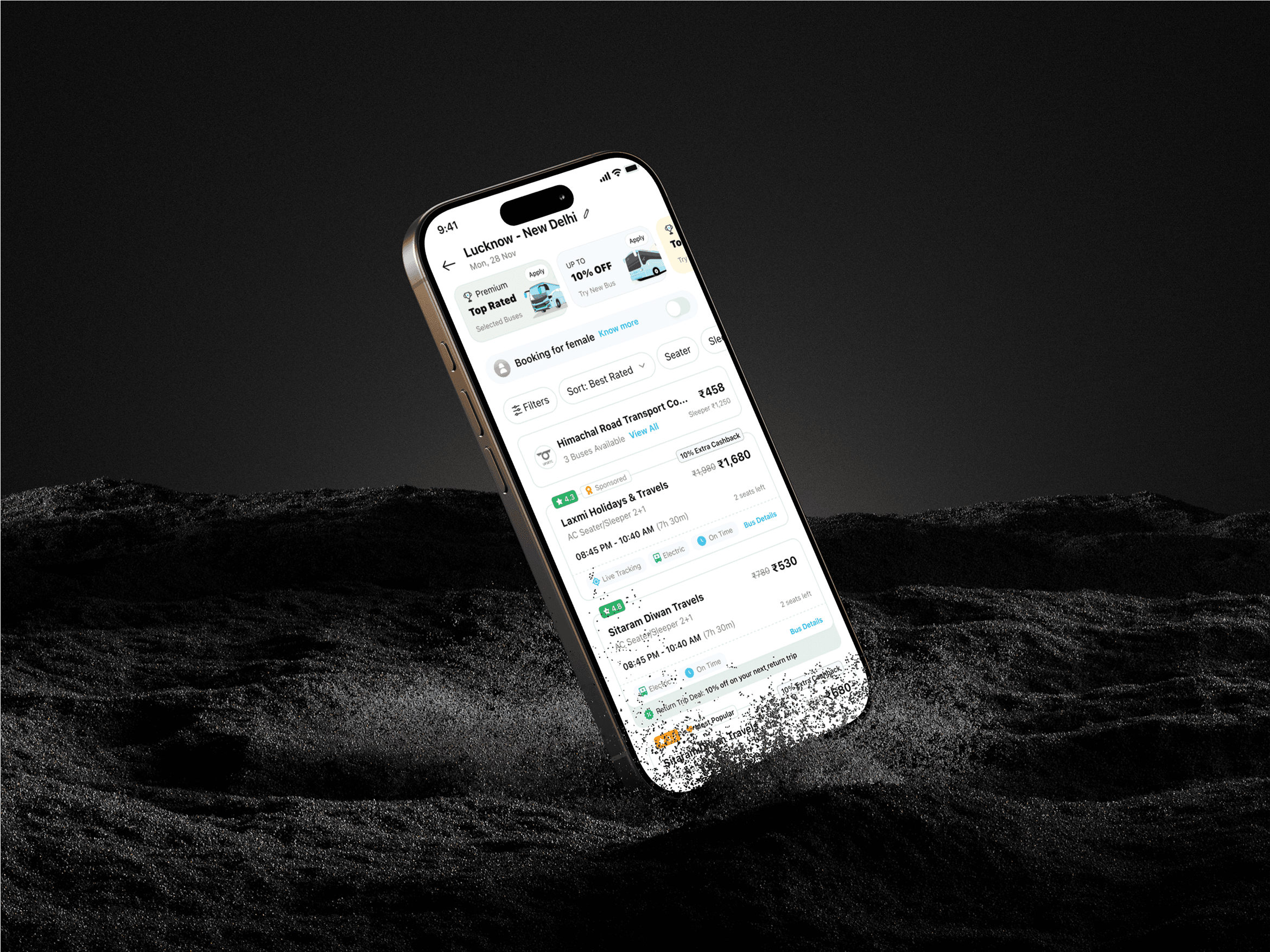
The Old Way: A dense list that was hard to scan. Users had to do all the work.
The New Way: We followed our "Clarity Over Clutter" principle. The new design uses clean simple cards. Now you can see the most important information instantly.
Icons for Amenities: A clear icon for AC, Wi-Fi, or charging points. No more guessing.
Real Ratings: Big bold star ratings from other passengers.
Bus Photos: See what the bus actually looks like before you book.
Seat Selection
A Quicker Start to the Journey
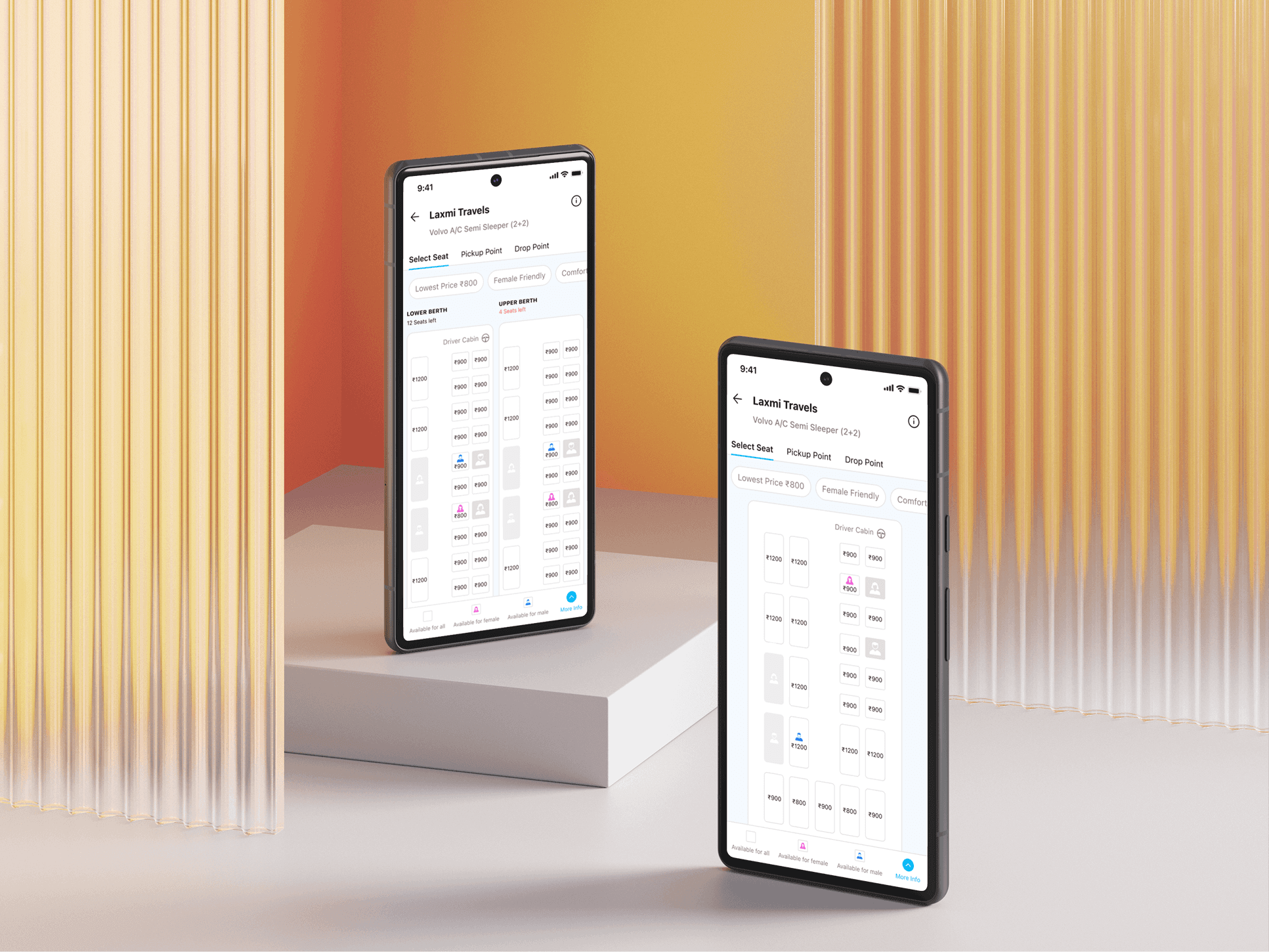
The Old Way: A confusing grid of boxes that looked nothing like a bus. This was our biggest point of user drop-off.
The New Way: We made it visual. The new seat map looks just like the inside of a bus.
Simple Layout: You can clearly see the upper and lower decks and the difference between a seater and a sleeper.
Clear Colors: Available seats are white, selected seats are blue, and booked seats are gray. It’s impossible to get it wrong.
The Day of Travel
From Anxiety to Peace of Mind
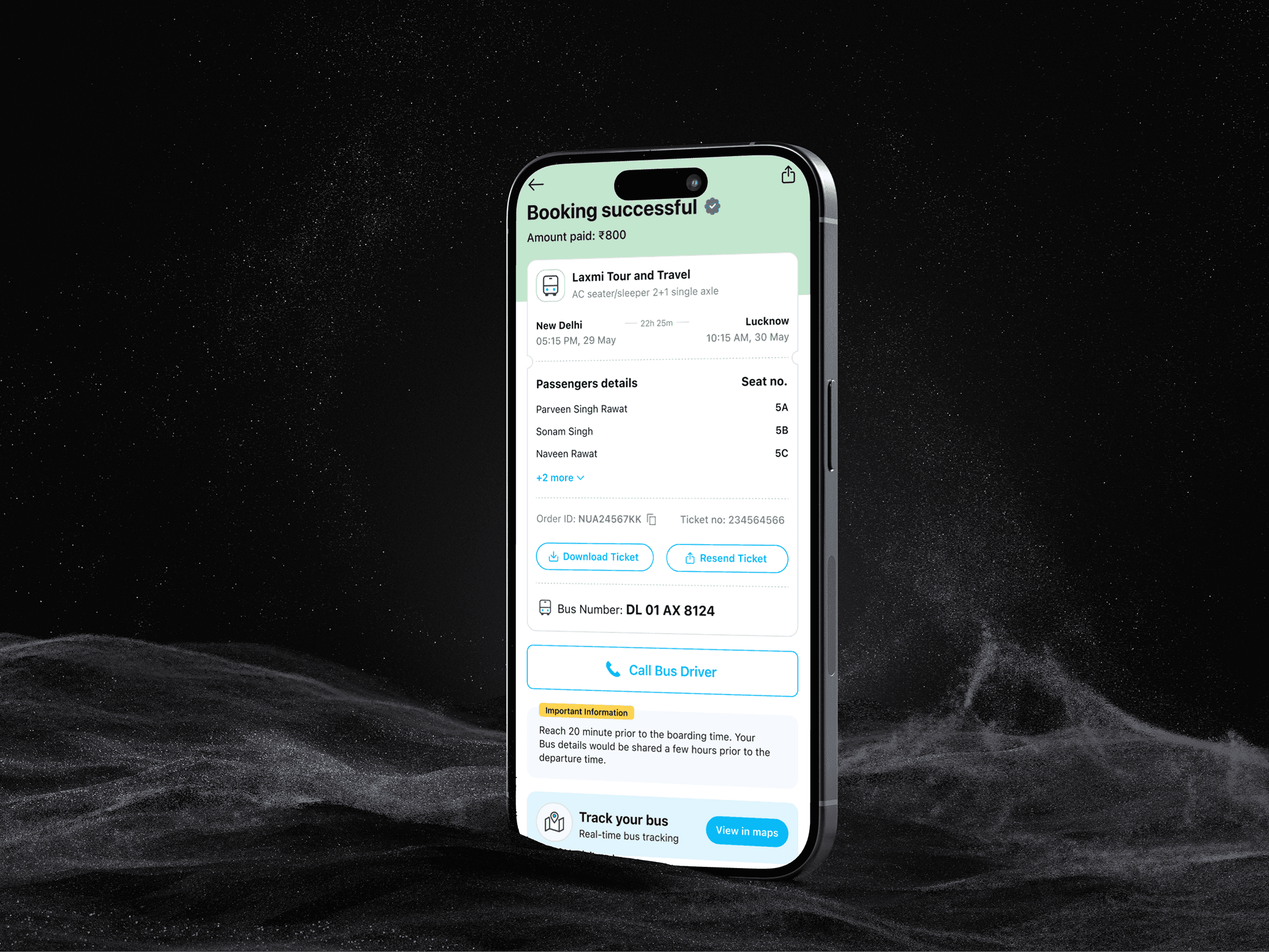
The Old Way: After booking, you were on your own. You'd just wait at the boarding point, hoping the bus was on its way.
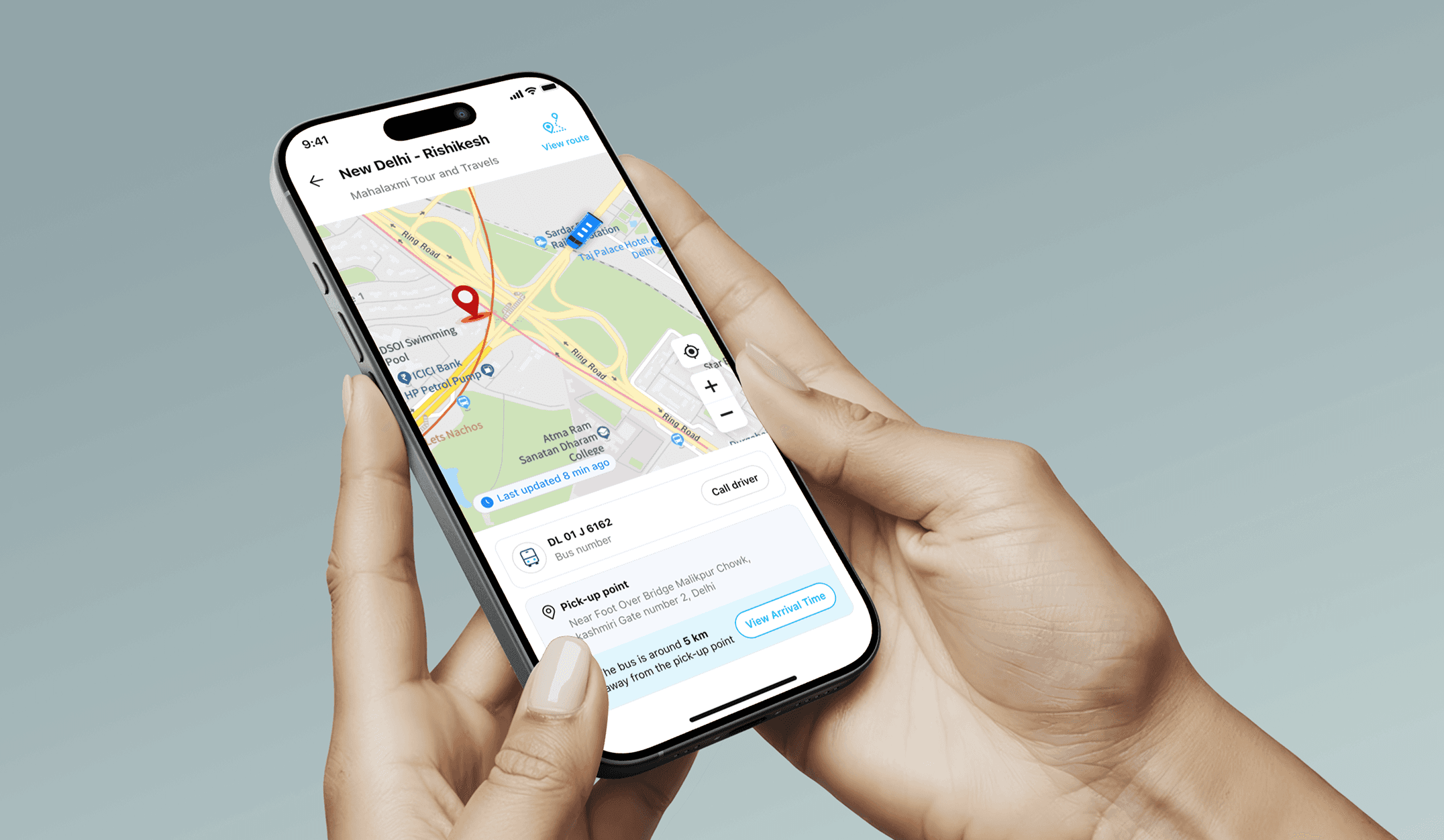
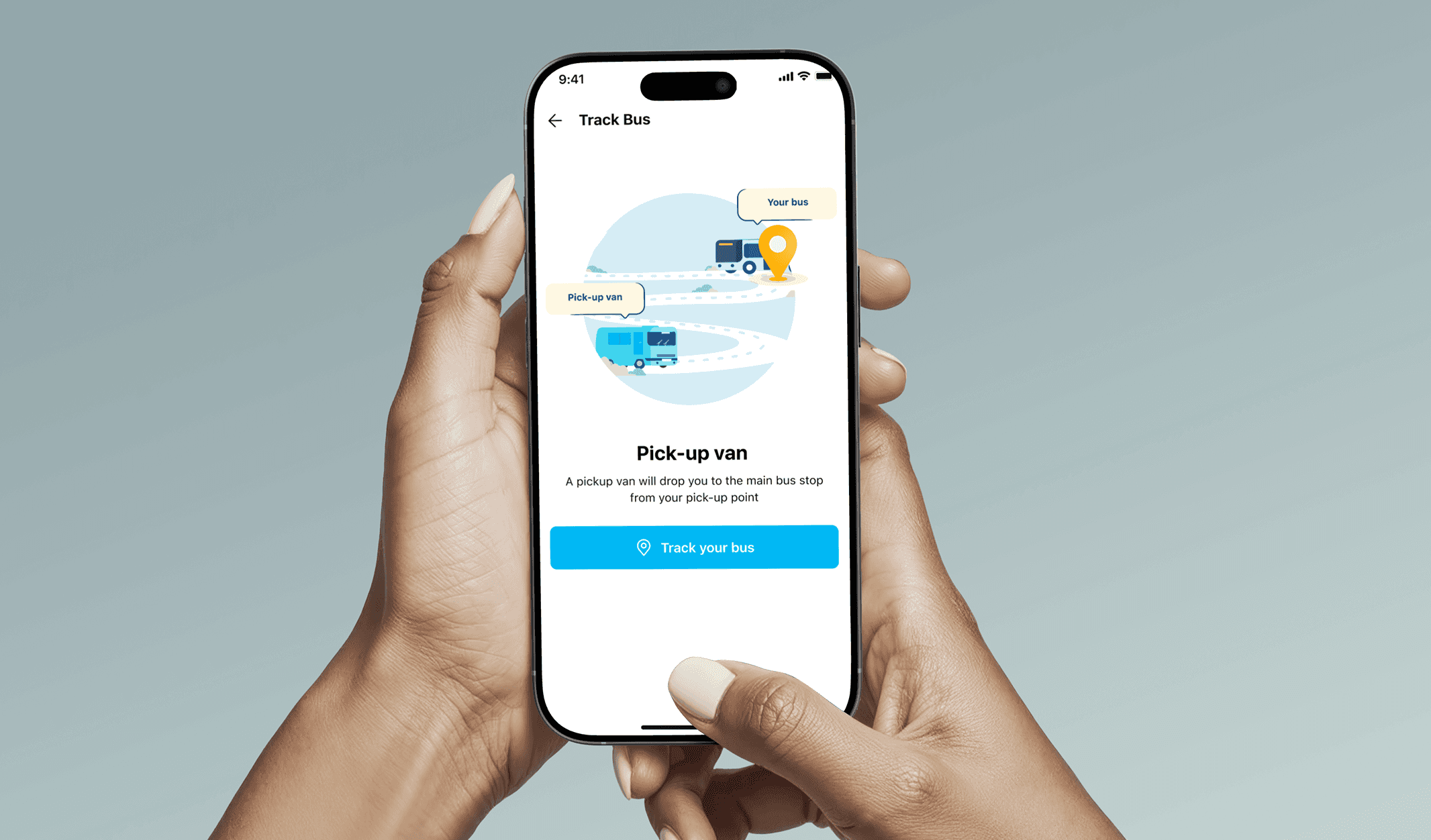
The New Way: We introduced Live Bus Tracking. Now right from your ticket you can see your bus on a map in real-time. You know exactly where it is and when it will arrive.
Prominent Track Your Bus Feature: We put a big, easy-to-see Track your bus section. We made sure it was simple it says "Real-time bus tracking" so you know exactly what it does and the button View in maps takes you straight to the map.
The Results
A Better Journey for Millions
By focusing on our users and our principles, the results were incredible. We didn't just make the app look better; we made it work better
for people.
For User
28%
More People Completed
Their Booking
45%
Fewer Drop-offs on
Seat Selection
76%
of our users actively used the
bus tracking feature.
For Bus Operators
200+
Operators joined our
platform
25%
Increase in their online
bookings
20%
Reduction in customer
service calls
For Our Business
₹400+
Crores in bookings
processed
#2
Position in India's online
bus booking market
45%
Users book their second trip
within 30 days
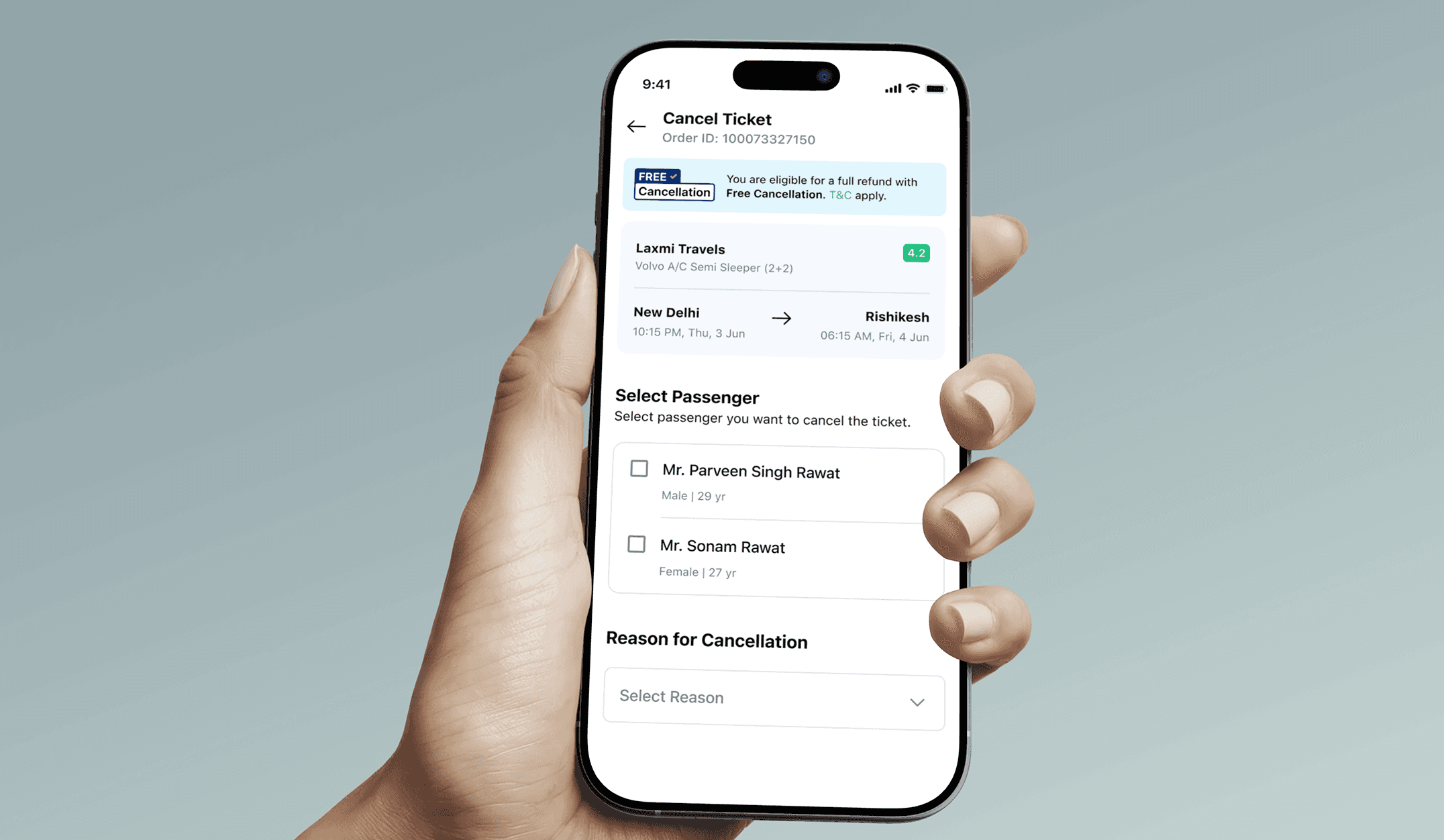
Screen Overview
Designing for Clarity and Peace of Mind
Arriving at the Destination
What I Learned
Sometimes less is more: Showing fewer but more meaningful details helped people decide faster.
Users don’t want to read fine print: timely guidance builds trust better than long disclaimers.
Small design touches: like color coded seats or trust badges make a big difference in how users feel during the flow.
THE END